Pay-and-wait planner: lay out your order's turns before you start
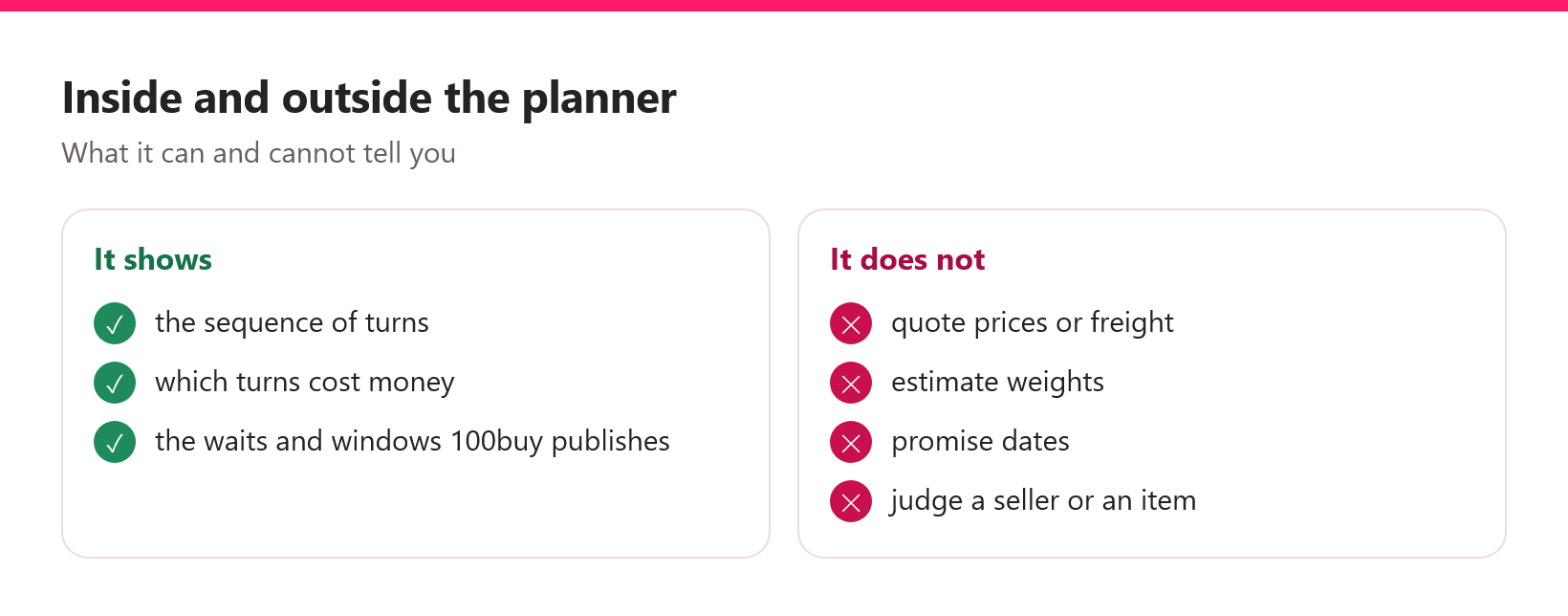
Five choices, one answer: the turns your order will take, in sequence, each marked as a payment, a wait or a decision. No prices, no weights and no promised dates.
Your order's turns, laid out in sequence
Using the planner and reading its answer
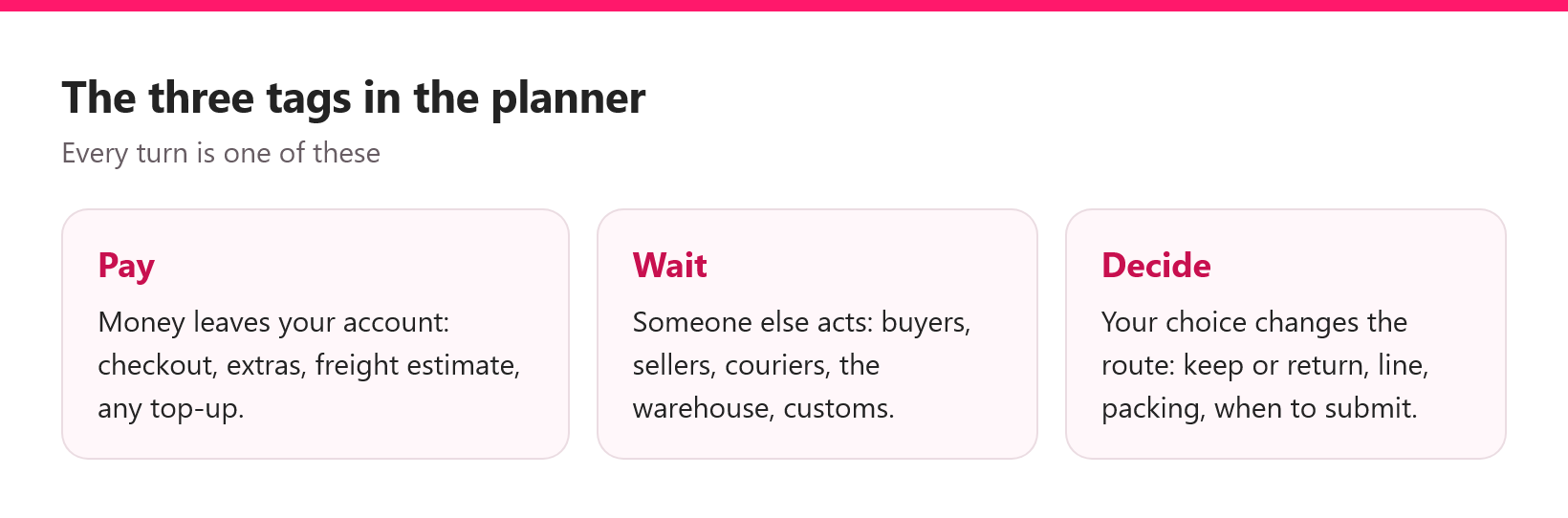
Here is how to use this tool. Answer the five questions with the haul you have in mind and press Lay out the turns. The list that appears follows the six stops of the route; each turn carries a tag. Pay means money leaves your account at that turn, Wait means you can do nothing useful but watch, and Decide marks a turn where a choice of yours changes what happens next.
Change one answer at a time to see what it moves. Switching from one parcel to two, for example, adds a second freight estimate and settlement; choosing a bank transfer adds a top-up turn and a two-to-three-day wait at the very start.
Gaps the planner leaves on purpose
The planner does not ask for prices or weights, because the two numbers that matter, the seller's final price and the packed parcel weight, are only known later. It never prints a delivery date: sellers, couriers and customs each add their own variation, and 100buy itself quotes most waits as usual ranges.
Where a turn mentions a figure, such as 1 RMB per Detailed Photo or the 120-hour return window, that figure is copied from 100buy's own pages and dated on the costs page.