100buy Spreadsheet, followed from checkout to your doorstep
Find an item in the catalogue, then follow its trip through the six stops of a 100buy order, with who holds it, what you wait for and which payment falls due at each.
Popular shelves and the stop each one tests
Eight popular shelves of the catalogue are below, each with one note about the stop where that kind of item tends to need attention. The other eight, from sneakers to electronics, are on the Spreadsheet page.
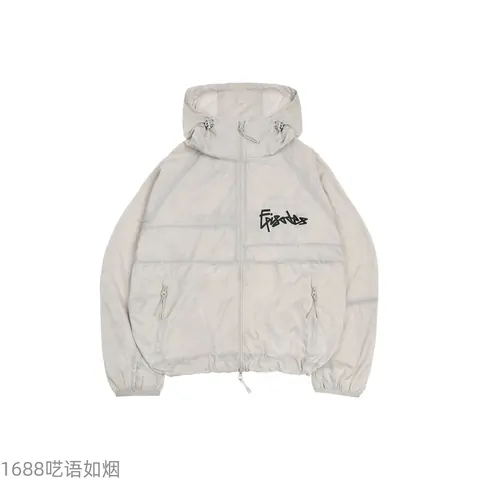 Jackets and coatsLight to lift, big in a box. The parcel stop is where a coat starts to cost.Category
 HoodiesAsk for a measuring photo at inspection when the size chart is only in Chinese.Category
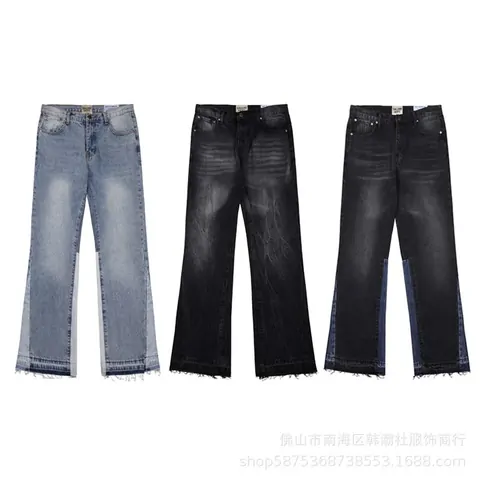 JeansDense cotton. One extra pair can push a parcel over the next weight step.Category
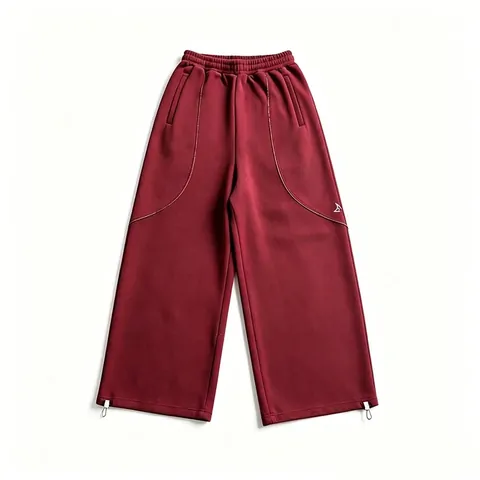 SweatpantsSoft and squashable, so they tuck around stiffer things in the same box.Category
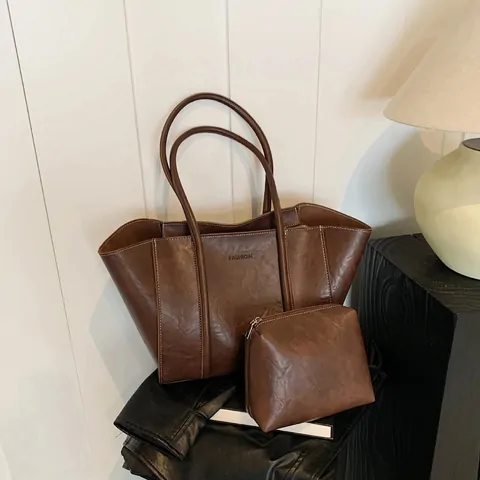 BagsLook at zips and straps in the warehouse photos while returns are still open.Category
 HatsBrims crush in transit, so the packing menu matters more than usual.Category
 EyewearFragile goods are covered for loss, not breakage, so pack them with care.Category
 JewelryTiny and easy to miscount. Quantity is one thing the warehouse does check.Category
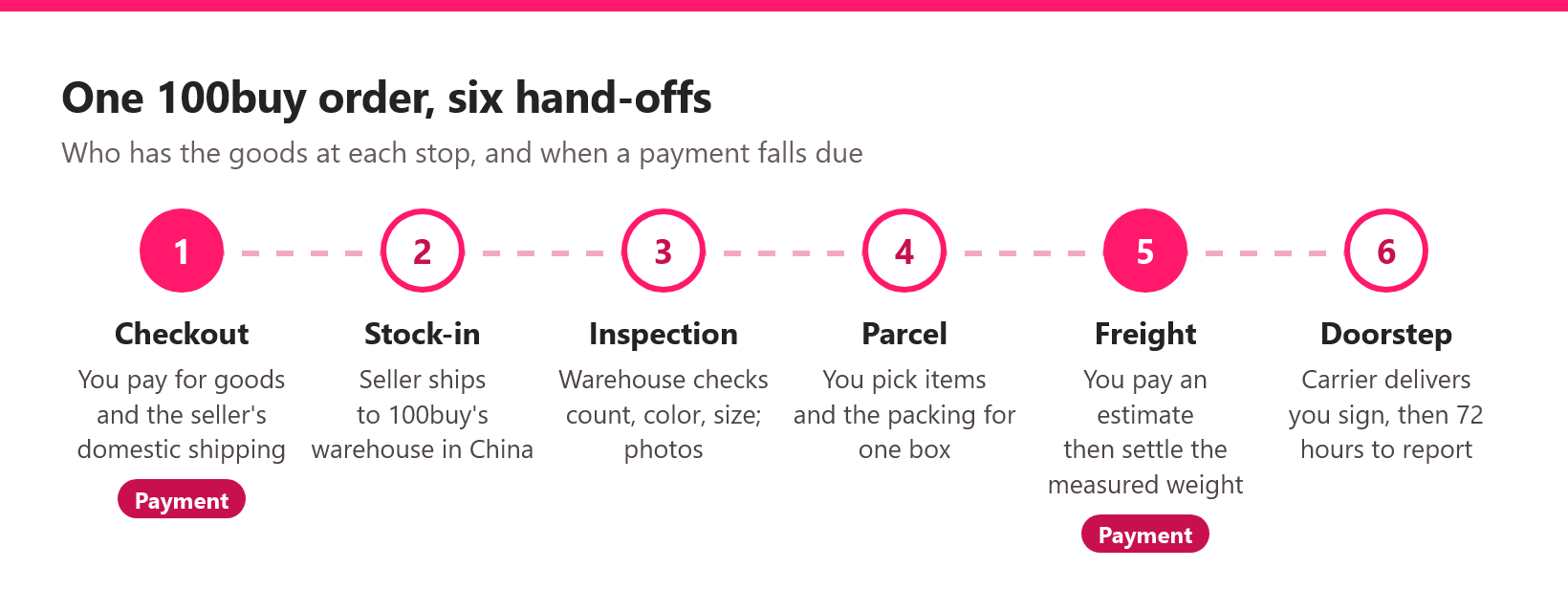
Six stops, and who is holding your order at each one
A 100buy order is not one long wait. It is six hand-offs, and at every hand-off a different party has your goods, a different event ends the wait, and money moves at different points. The board below is the short version; each stop has its own page with the screens, the rules 100buy publishes for that stop and what usually goes wrong there.
- CheckoutHolding it: You, then 100buy's buyersYou pay: Goods plus the seller's domestic shipping
- Stock-inHolding it: The seller and a Chinese courierYou pay: Nothing, unless a seller asks for a price difference
- InspectionHolding it: The warehouse teamYou pay: Only the extra photos you ask for
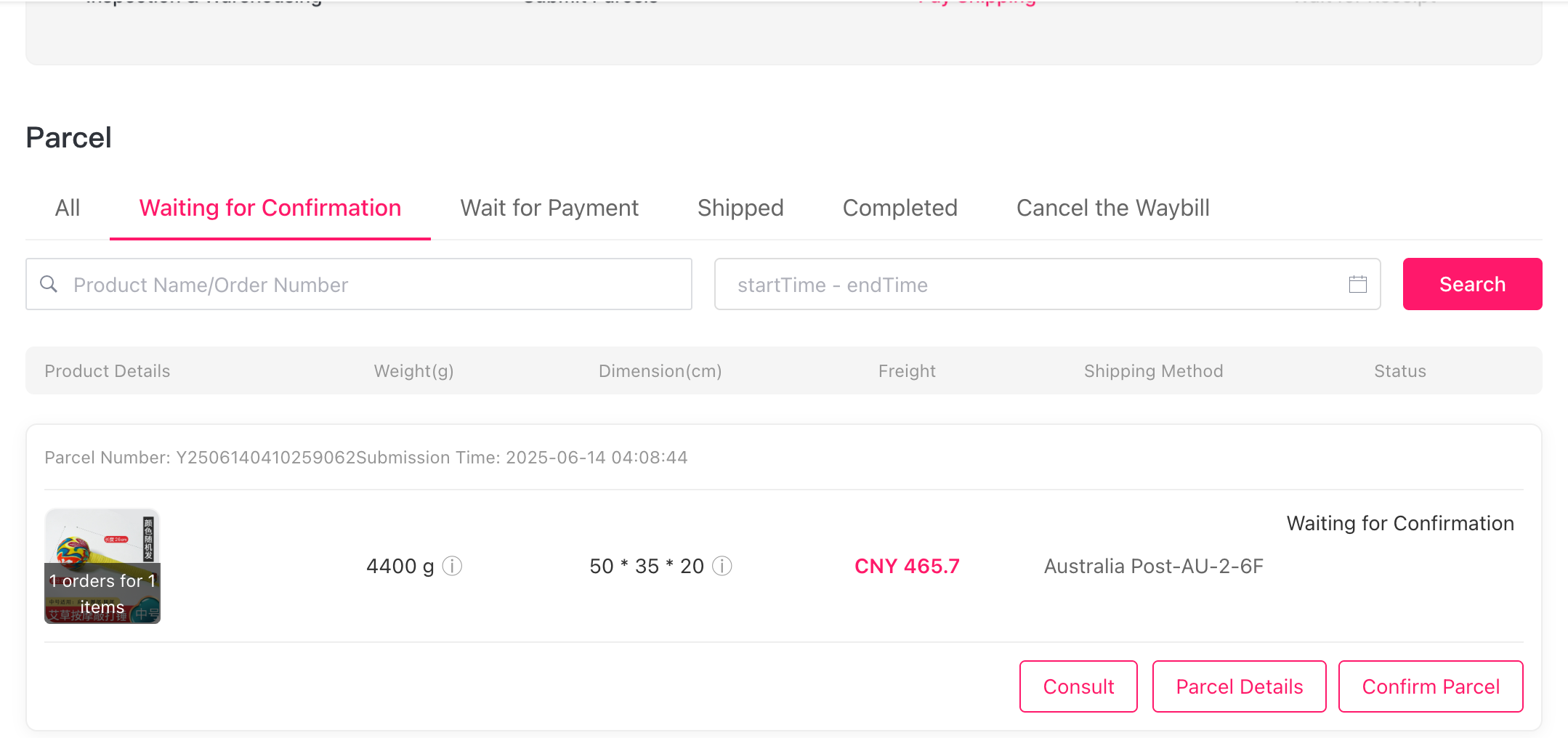
- ParcelHolding it: Still the warehouseYou pay: Packing extras, if you tick any
- FreightHolding it: The warehouse, then the carrierYou pay: The freight estimate, then the difference
- DoorstepHolding it: The carrier and your customs officeYou pay: Import charges, if your country levies them
The ordering video and our notes on each screen
100buy publishes a ten-step Tutorial in its help center with a screenshot for every step, and it plays a short ordering video on its home page. We put both on one screen-by-screen guide: the video at the top, then each official screenshot with a plain explanation of what the buttons do and what happens after you press them.
If you only read one page on this site before signing up, read that one. If you already have an order moving, jump to the stop it has reached instead.
The form asks for an email address and a password; the invitation code field can stay empty.
What 100buy Spreadsheet does before and after you find an item
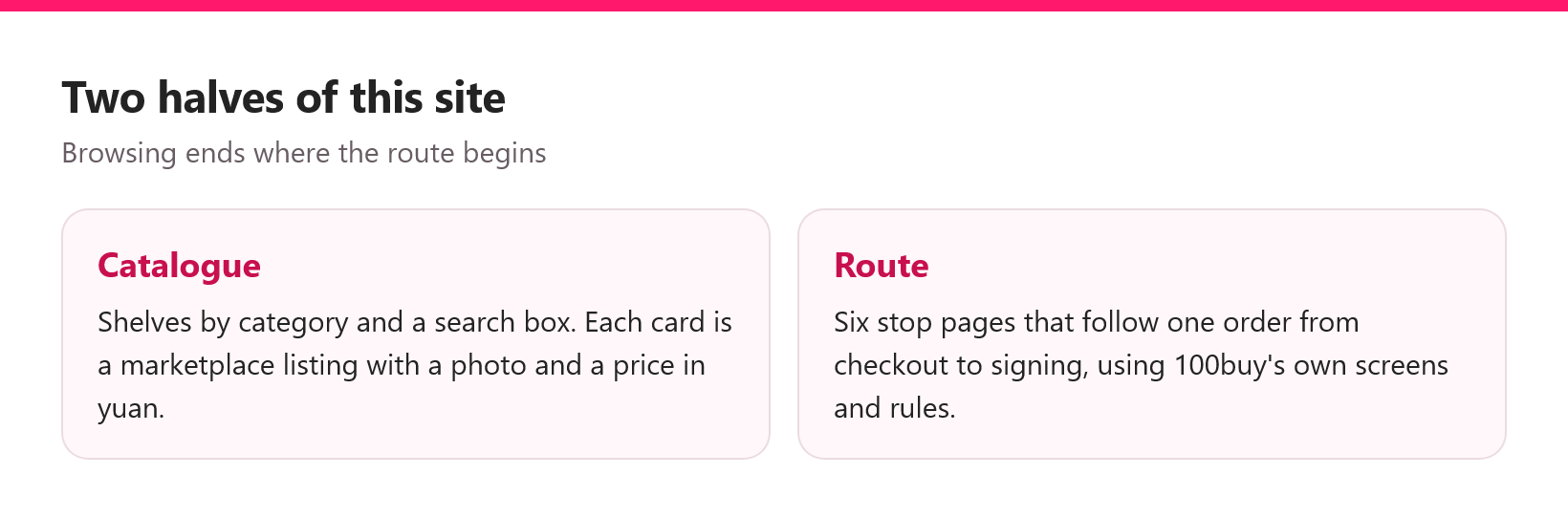
This 100buy Spreadsheet works in two halves. The first half is a product catalogue: shelves of listings from Chinese marketplaces, browsable by category or through search, where every card shows a photo and a price. Spreadsheet is the community word for that kind of browsable finds list; it is not a document you download.
Browsing here produces a shortlist, not a paid 100buy order. Save the listing, selected size or colour and quantity before opening the agent. Then follow the order’s actual stage: a seller shipment, warehouse entry and outbound parcel are separate records in the buying guide.
The second half is the part most finds lists skip. Once a listing is in your 100buy cart, the useful questions change: how long the seller usually takes, what the warehouse photographs, when the five-day return window closes, why a parcel can cost more than its weight suggests. Those answers are spread over dozens of help articles on 100buy.com, so we rearranged them around the stops an order really makes.
When you pay for goods, extras and international freight
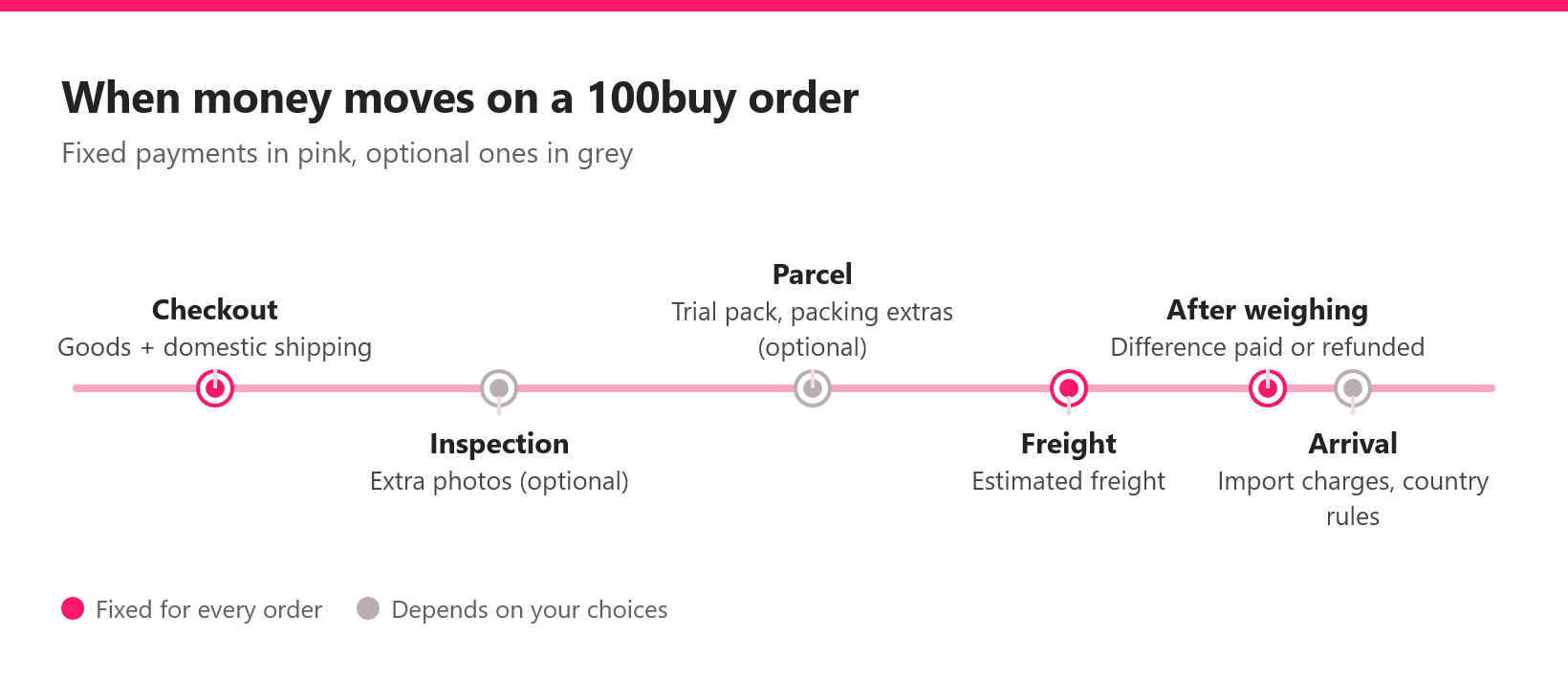
Every 100buy order is paid in at least two parts. Checkout covers the goods plus the seller's shipping inside China; nothing international is charged yet. After warehousing, when you turn stored items into a parcel, you pay an estimated freight, and once the warehouse has packed and weighed the box the estimate is settled: you top up the gap or get the excess back in your 100buy balance.
Reserve the second payment before committing the first. A low item price can still need a substantial parcel budget, and a freight estimate may change after packing. Check the parcel choices before approval and the cost breakdown before adding optional work.
Between those two moments sit optional charges you choose yourself, such as extra photos, a trial pack to learn the weight, or packing materials. The costs page lists each one with the stop where it appears and the source we read it in.
Plan the turns of your own haul before you pay
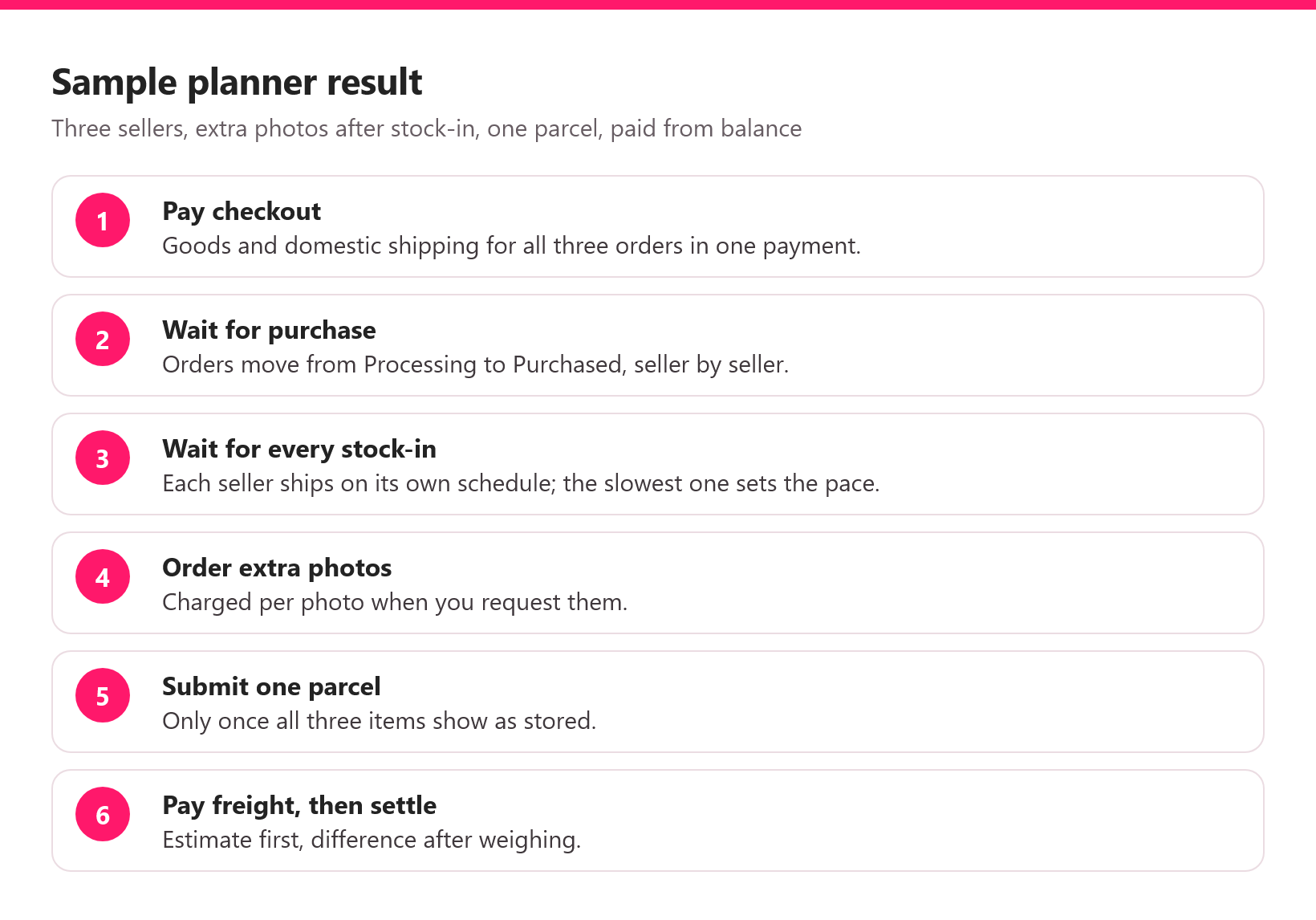
The pay-and-wait planner asks five plain questions: how many sellers, which photos, whether you want a trial pack, how you will pay and whether everything ships together. It answers with your order's turns in sequence, marking which ones cost money and which ones are just waiting. It does not ask for prices or weights, and it never guesses a delivery date.
It is most useful before a first haul with several sellers, where the waits overlap and it is easy to submit a parcel before the last item has arrived.
Two checks to run before checkout
Most problems on the later stops start before checkout. A listing whose option menu does not match its photos, a seller who ships slowly, a product type the warehouse cannot photograph properly: all of these are cheaper to catch on the product page than in a return request. Our judging page covers reading listings, sellers and finds pages with that in mind.
The second check is whether 100buy suits the order at all. 100buy at a glance sets out who operates it, which marketplaces it buys from and when another shopping agent may be the simpler choice.
Stalled between stops: where to look
Orders rarely fail outright; they stall. A seller has not shipped after several days, a parcel sits in Waiting for Confirmation, a tracking page stops moving. The help desk gathers the contact routes 100buy lists, a glossary of the status names and community shorthand, and short answers to the questions people most often have at each stop. Changes to 100buy's notices and to these pages are logged on updates.